miniOrange REST API Authentication Plugin
This page describes how to protect the WordPress REST API using the JWT Authentication for WP REST APIs plugin by miniOrange. The plugin can be used to enable authenticated access to WordPress REST API endpoints using either Basic Authentication or JWT Authentication.
Objective
WordPress exposes content and application data through REST API endpoints such as:
By default, public endpoints may be accessible without authentication. In this use case, the goal is to configure miniOrange API Authentication so that REST API calls are protected and clients must authenticate before accessing secured WordPress REST API resources.
Install the plugin
Start from the WordPress admin dashboard.
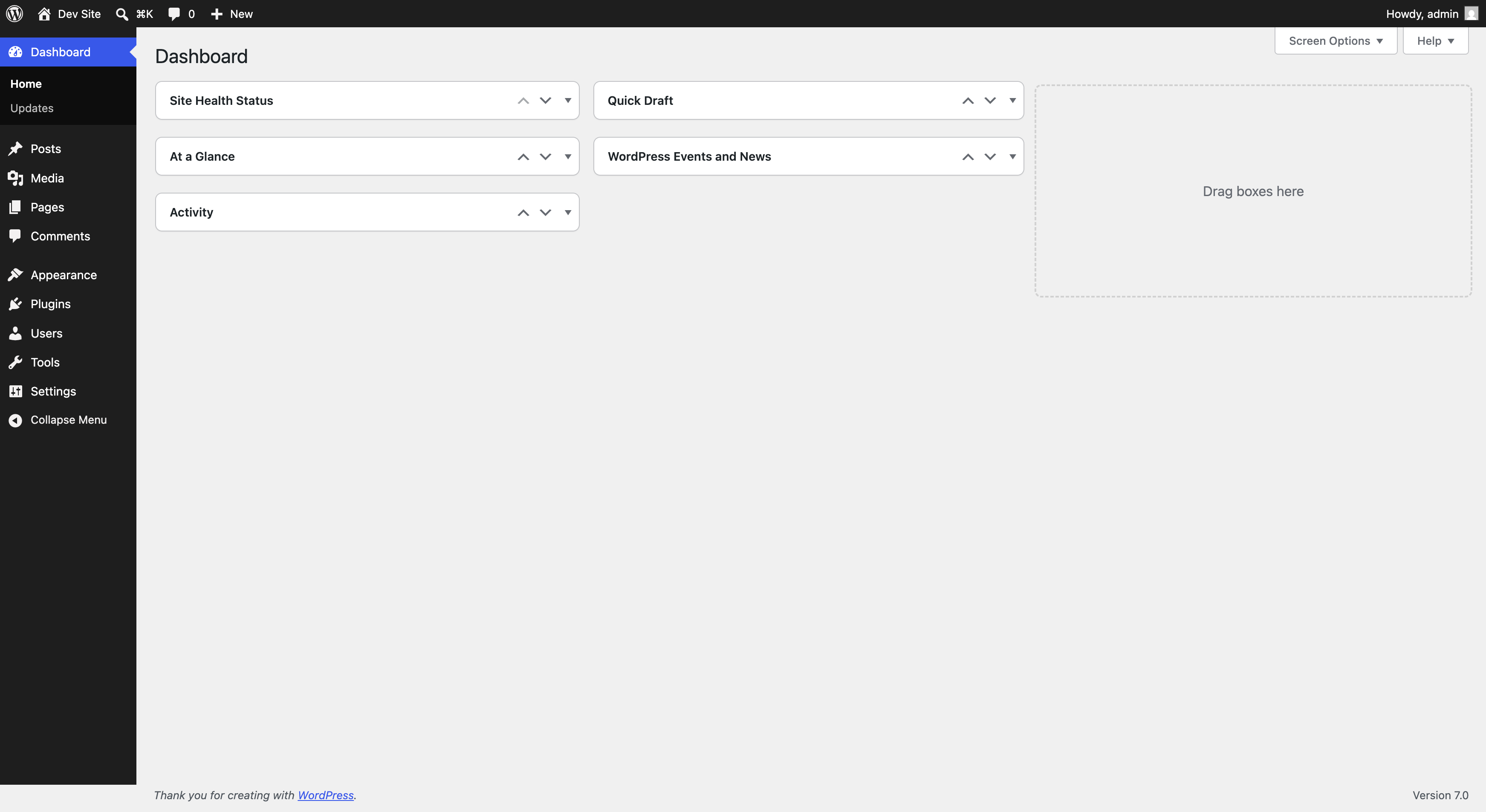
Go to Plugins → Add Plugin, then search for:
Install the miniOrange plugin from the search results.
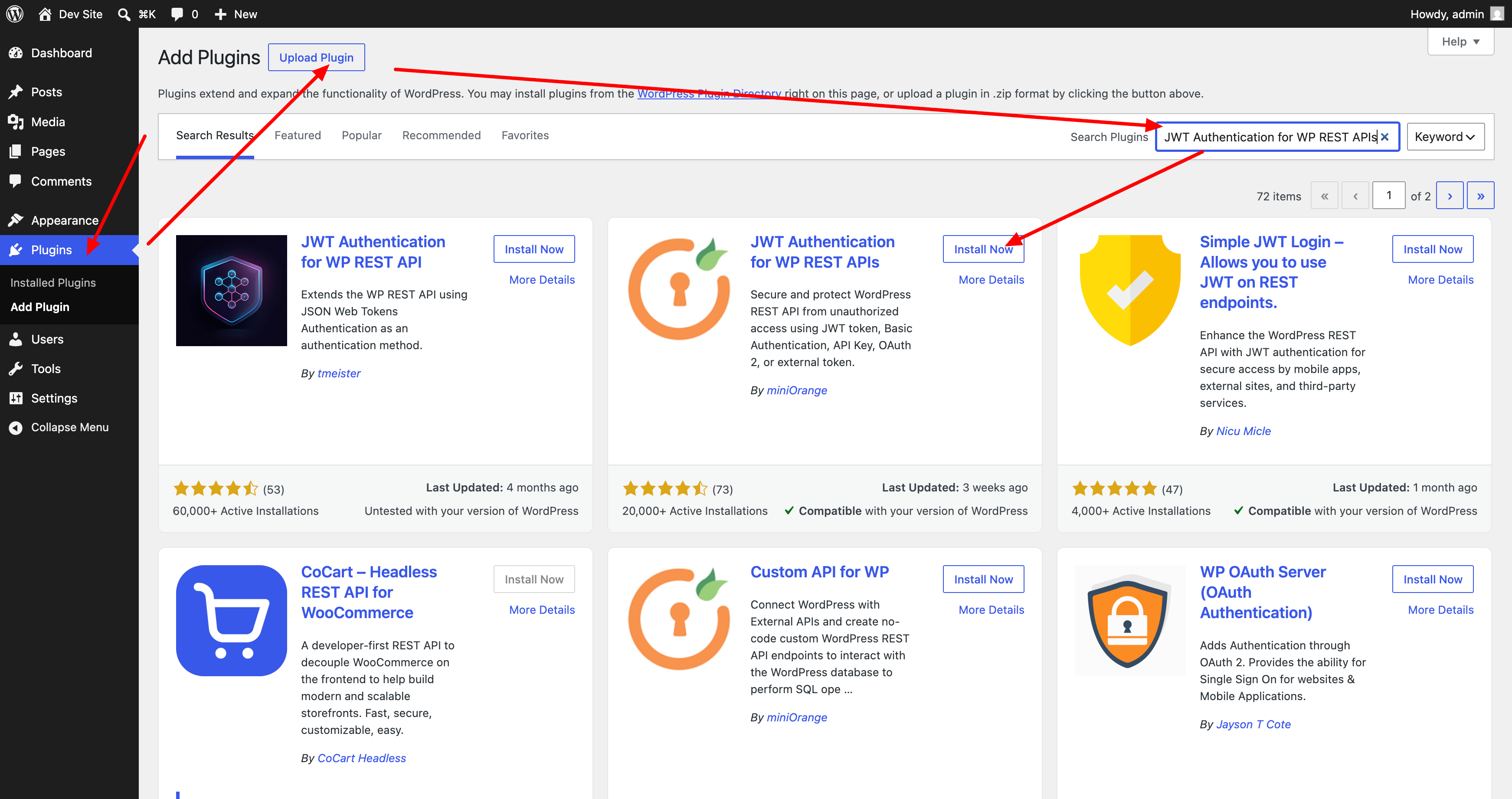
After installation, click Activate.
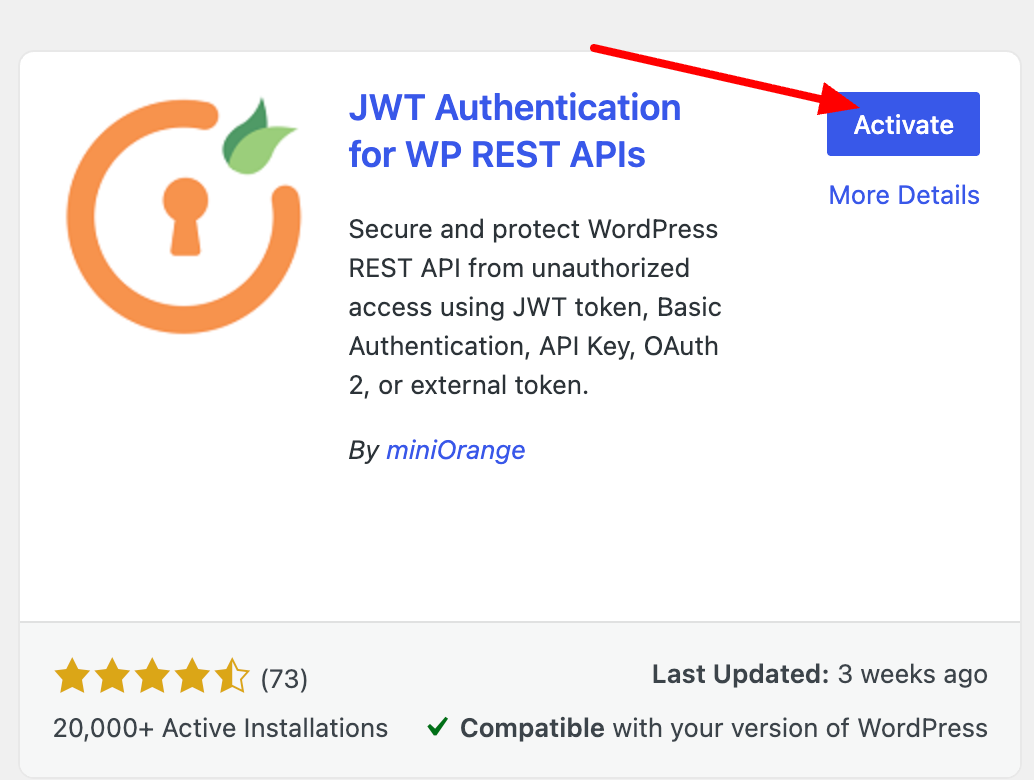
After activation, open the plugin configuration page from the WordPress sidebar using miniOrange API Authentication. You can also open it from the plugin details panel.
Configure Basic Authentication
On the miniOrange configuration page, select Basic Authentication.
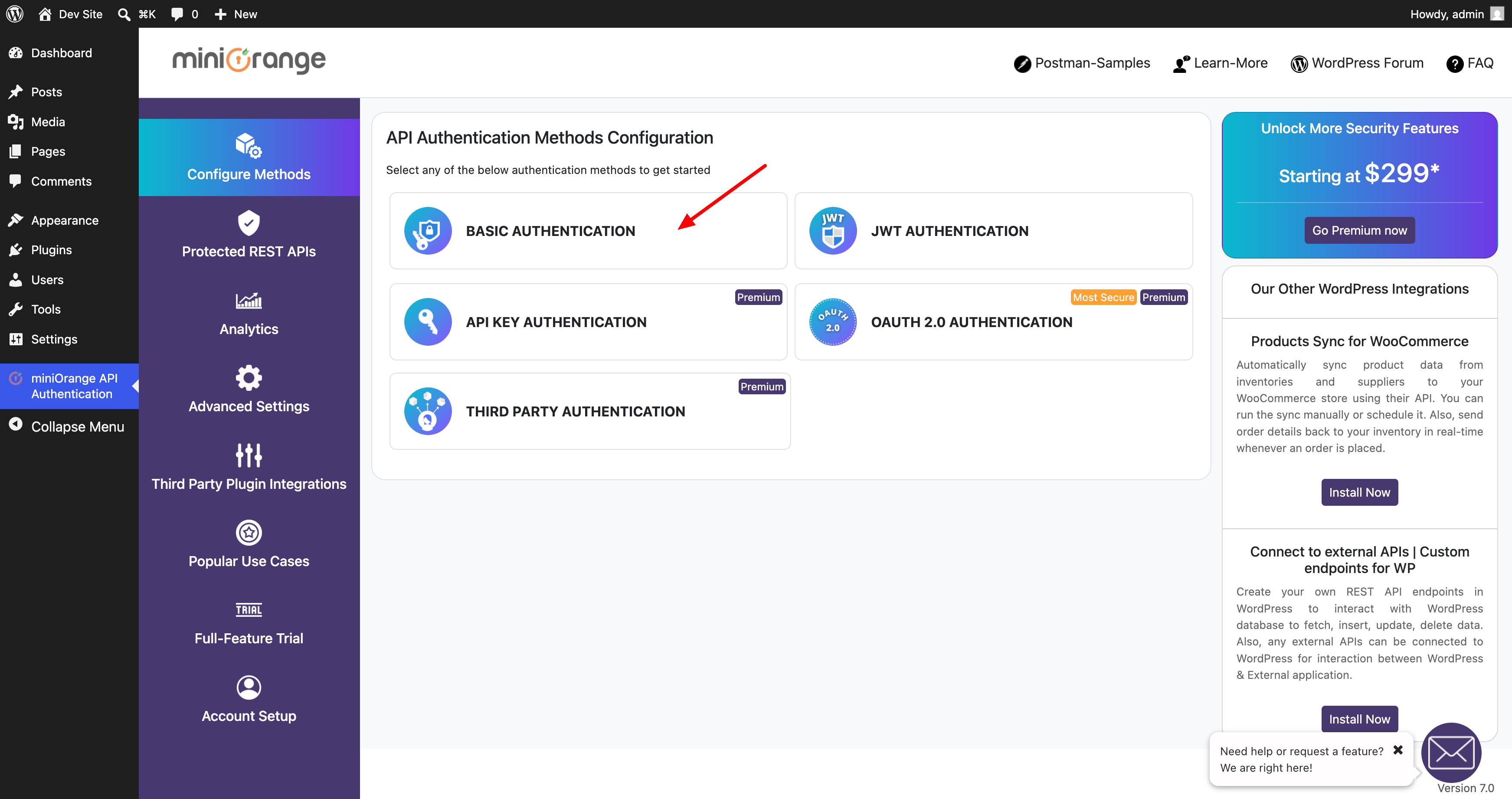
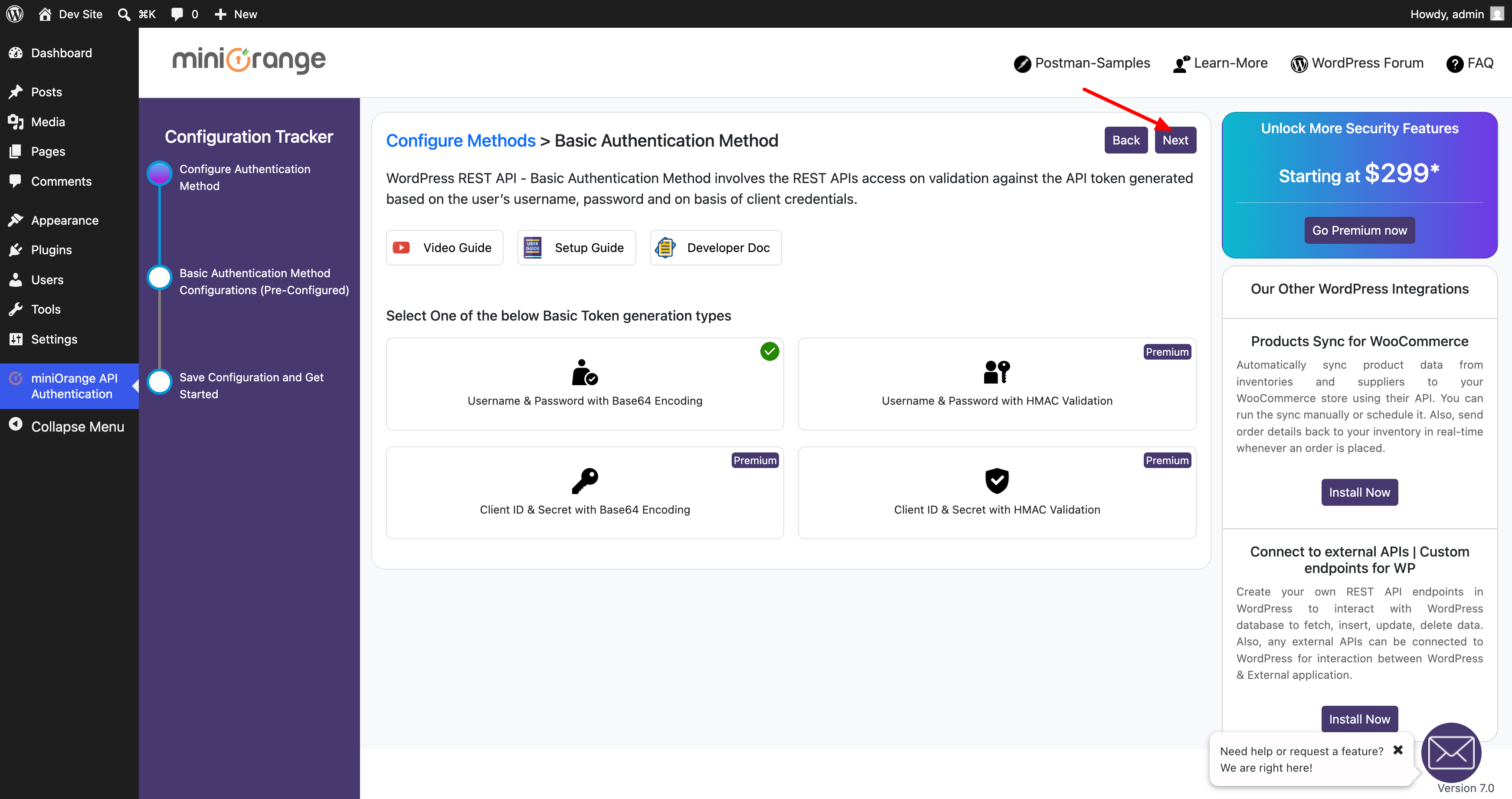
The free configuration uses Username & Password with Base64 Encoding. Leave this option selected and click Next.
Review the configuration summary. You can test the configuration by entering the WordPress username and password and calling the REST API endpoint shown on the page.
When the configuration is correct, click Finish.
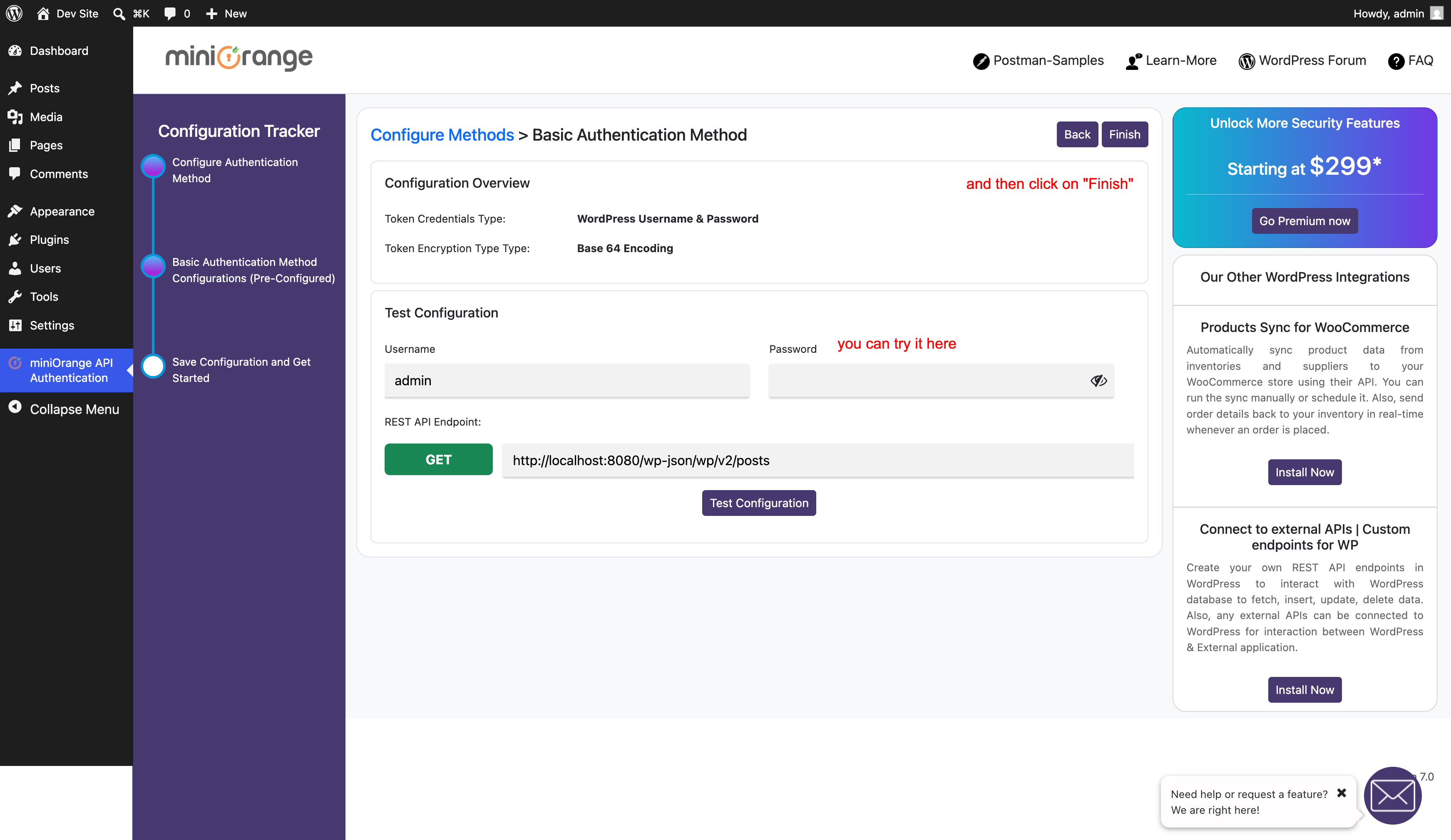
After this configuration, clients can call the WordPress REST API using an Authorization header with Basic
credentials.
Example:
curl -X GET "http://localhost:8080/wp-json/wp/v2/posts" \
  -H "Authorization: Basic <base64(username:password)>"
Configure JWT Authentication
To use token-based authentication instead, go back to Configure Methods and select JWT Authentication.
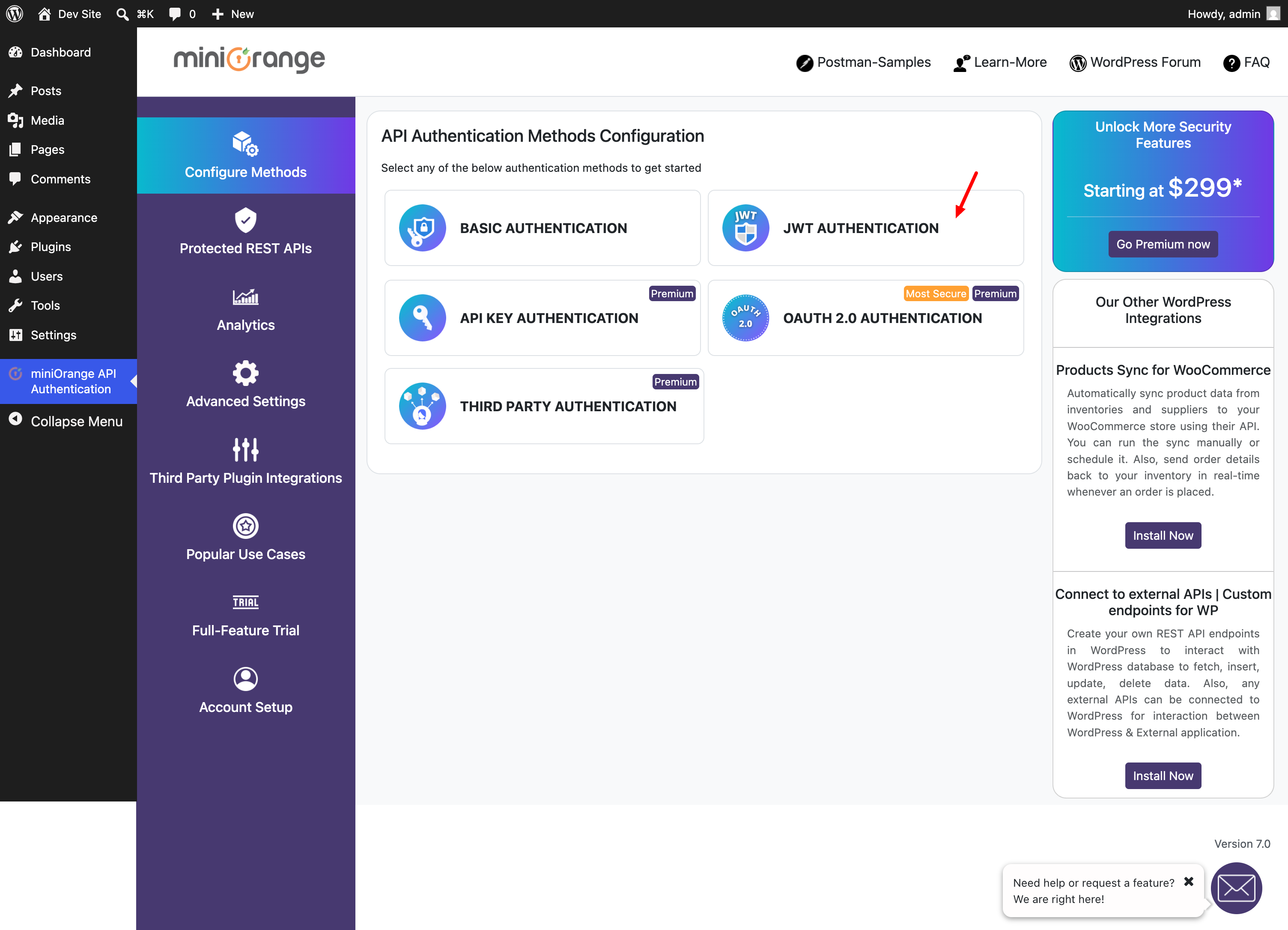
The free configuration uses Username & Password with Base64 Encoding and the default HS256 JWT signing algorithm. Leave the default option selected and click Next.
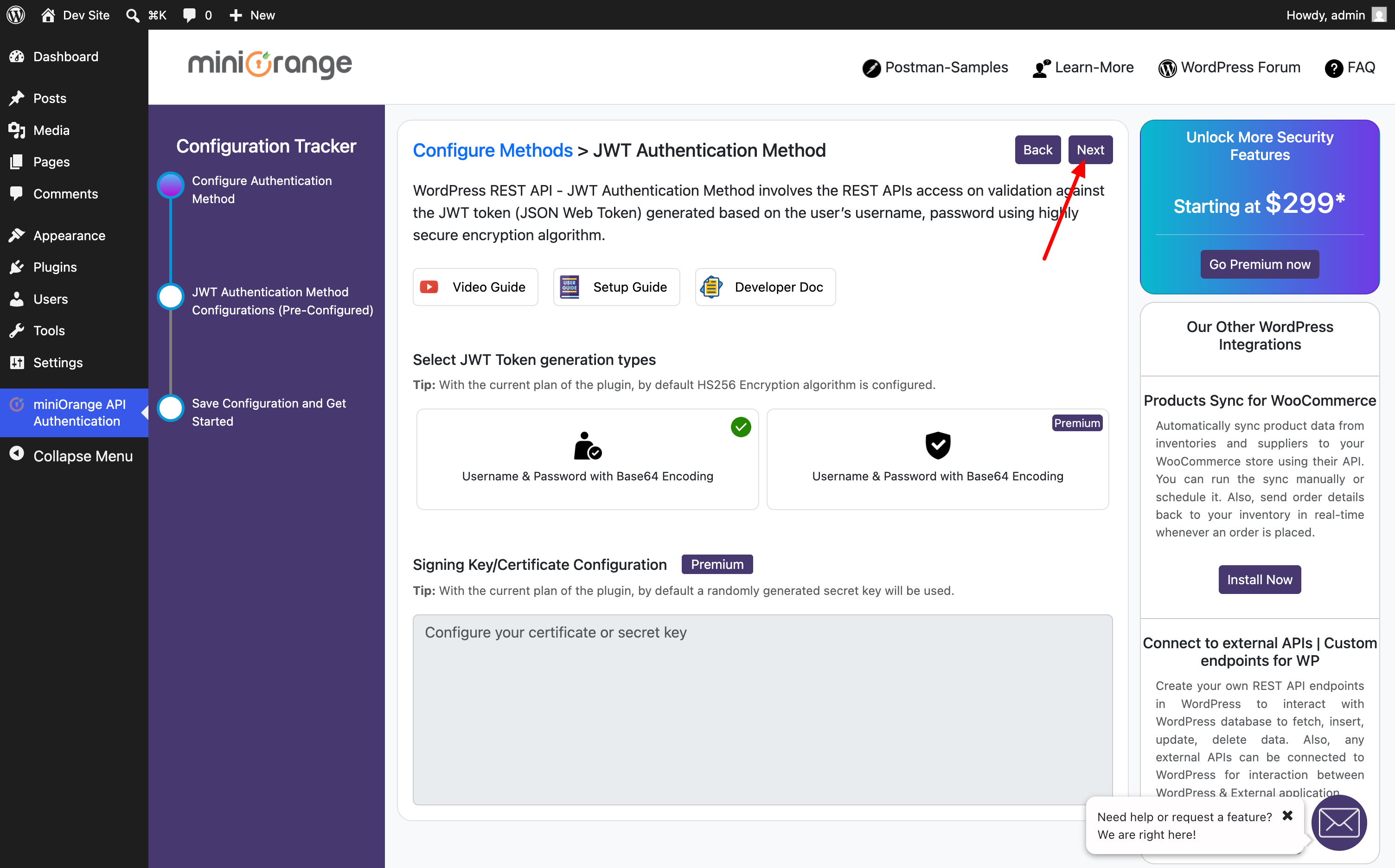
Review the JWT configuration summary.
The plugin exposes a token endpoint similar to:
Enter the WordPress username and password, then click Fetch Token to generate a JWT.
You can then validate the token using the validation endpoint:
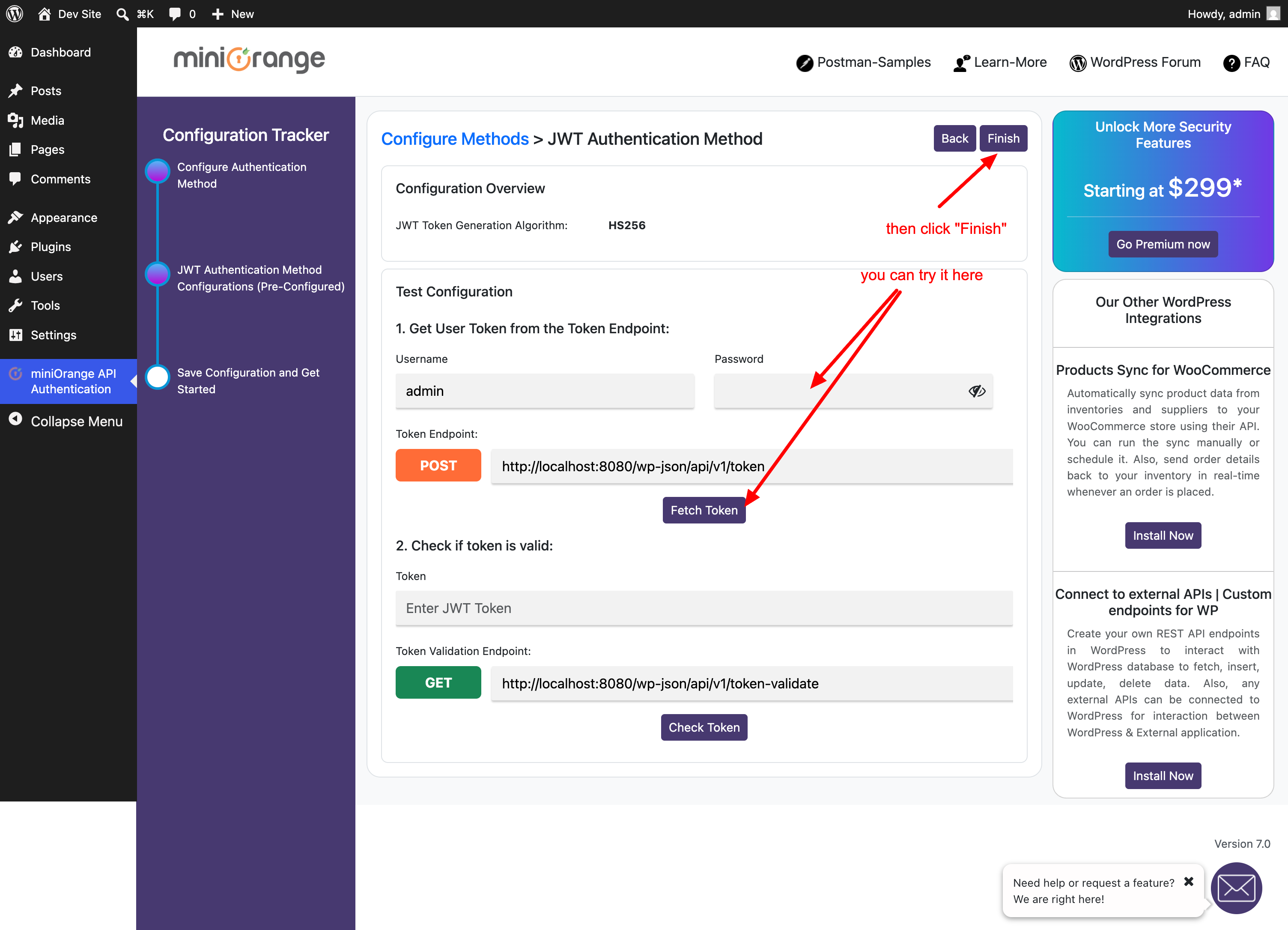
Click Finish to save the JWT configuration.
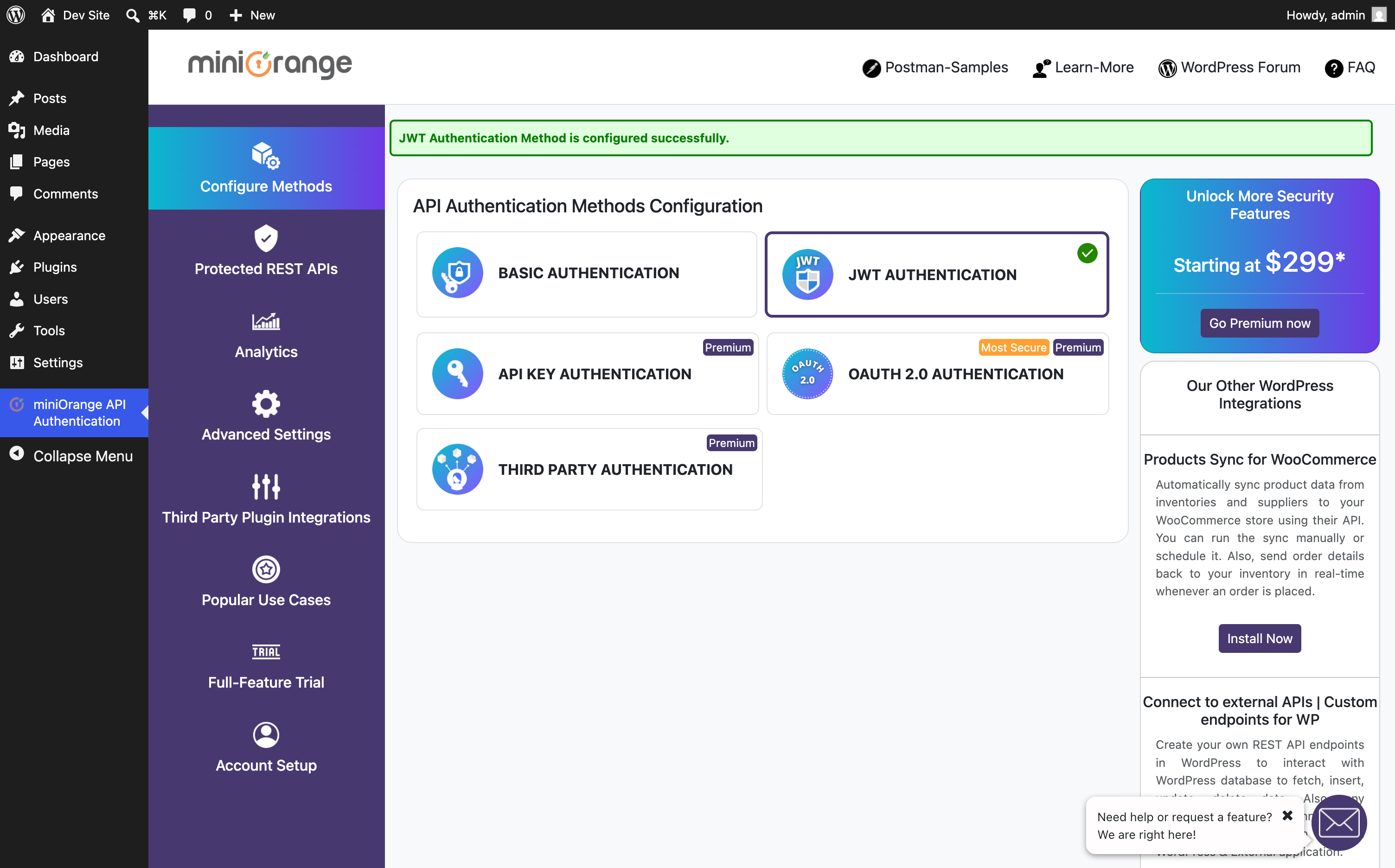
After this configuration, clients first request a token and then use that token when calling protected REST API endpoints.
Example: fetch a token.
Example: call a protected WordPress REST API endpoint with the JWT.
Result
The WordPress REST API is now protected by miniOrange API Authentication. Depending on the selected method, API clients can authenticate using either:
- Basic Authentication with a WordPress username and password
- JWT Authentication with a generated bearer token
For integrations and applications, JWT Authentication is usually preferred because clients can exchange credentials for a token and then use that token for subsequent REST API calls.